> For the complete documentation index, see [llms.txt](https://docs.coinbar.io/llms.txt). Markdown versions of documentation pages are available by appending `.md` to page URLs; this page is available as [Markdown](https://docs.coinbar.io/service-activation/activate-service.md).
# Activate Service
{% hint style="info" %}
Please follow the steps :
1. [Create Account](/service-activation/create-account.md)
2. [Account Verification](/service-activation/account-verification.md)
3. [**Activate Service**](/service-activation/activate-service.md) **(you are here)**
{% endhint %}
After your account is verified and with assigned Tier, You can request the service activation.
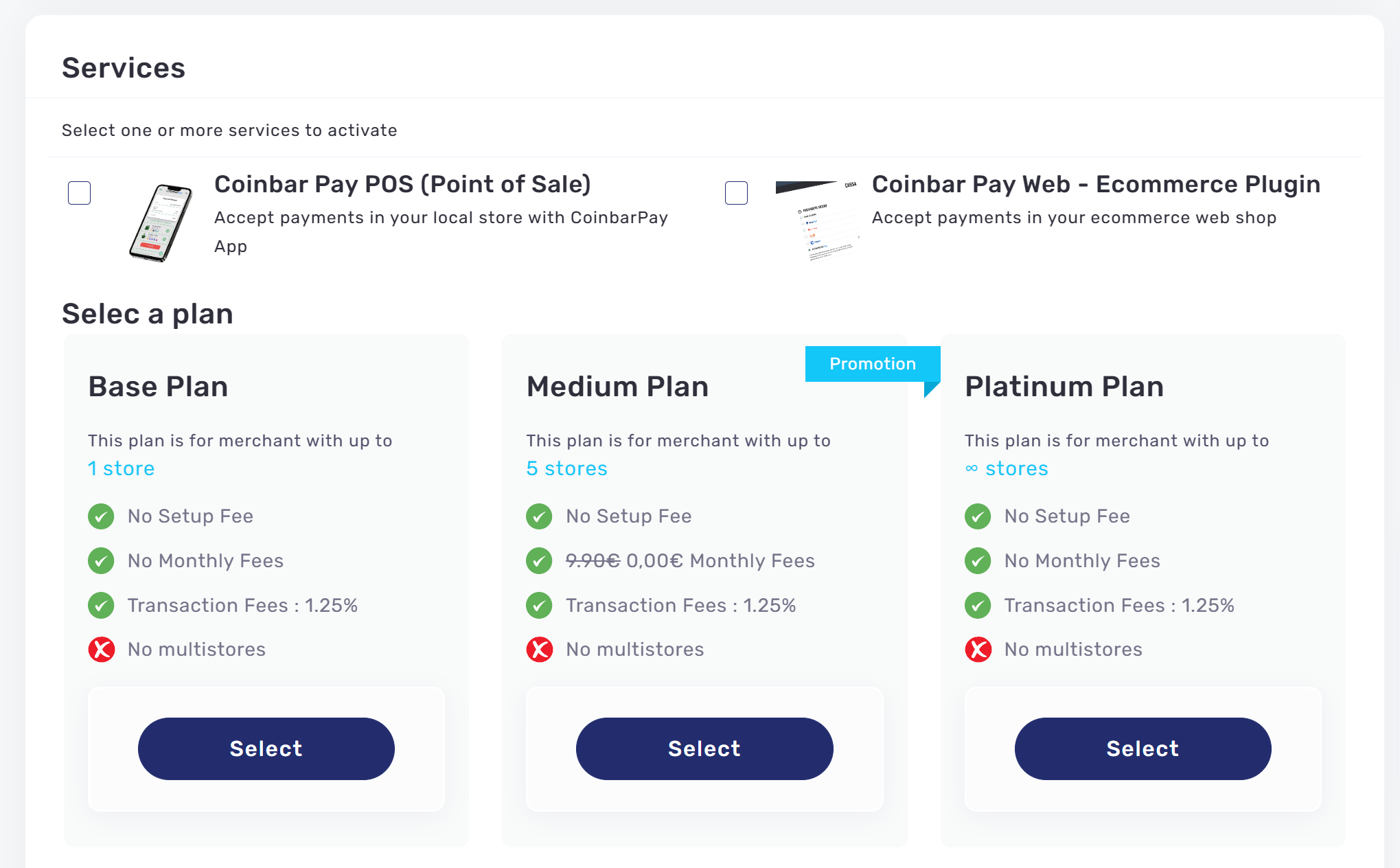
## Select your Integration Type
Select the Pay Web - E-Com plugin
## Select plan
Choose a plan based on your business requirements
## Configure your shop
Add your shop informations
{% hint style="info" %}
#### Activation Time
Service activation may take anywhere from a few hours to up to 48 hours, depending on the service plan selected.
{% endhint %}
{% hint style="info" %} **Terms of Service**
Please go [**Here**](https://www.coinbar.io/#/terms-service-coinbar-pay) to see how ***CoinbarPay Terms of Service***
{% endhint %}